
Motormakkers Tool
MM Offroad Checker
Upload your GPX route and discover how much gravel, sand, mud, grass or paved road surface is included. Useful for TET sections, allroad rides and routes where you want to know what to expect before you leave.
Quickly see which parts of your route are paved or unpaved and where the offroad sections are located.
Analyse GPX
Upload your route
Choose a GPX file and let the tool analyse what type of surface you can expect along the way.
Upload a GPX file and instantly analyze how much off-road distance is in your route.
Overview of the detected surfaces, sorted from highest to lowest share.
Total distance: 0 km
This analysis is an indication. Always check your route yourself and respect local rules, nature and wildlife.
The Offroad Checker provides an indication based on available map data. When in doubt, always check the current situation, local rules and accessibility of roads or tracks yourself.
Explainer video
See how the Offroad Checker works
What is this tool for?
How much offroad is in your route?
You may recognise this: you are about to ride a section of the TET or you have downloaded a GPX file, but you have no idea how much unpaved road is actually included. Two percent, five percent, maybe even fifty percent? We ran into that question ourselves and honestly had no idea.
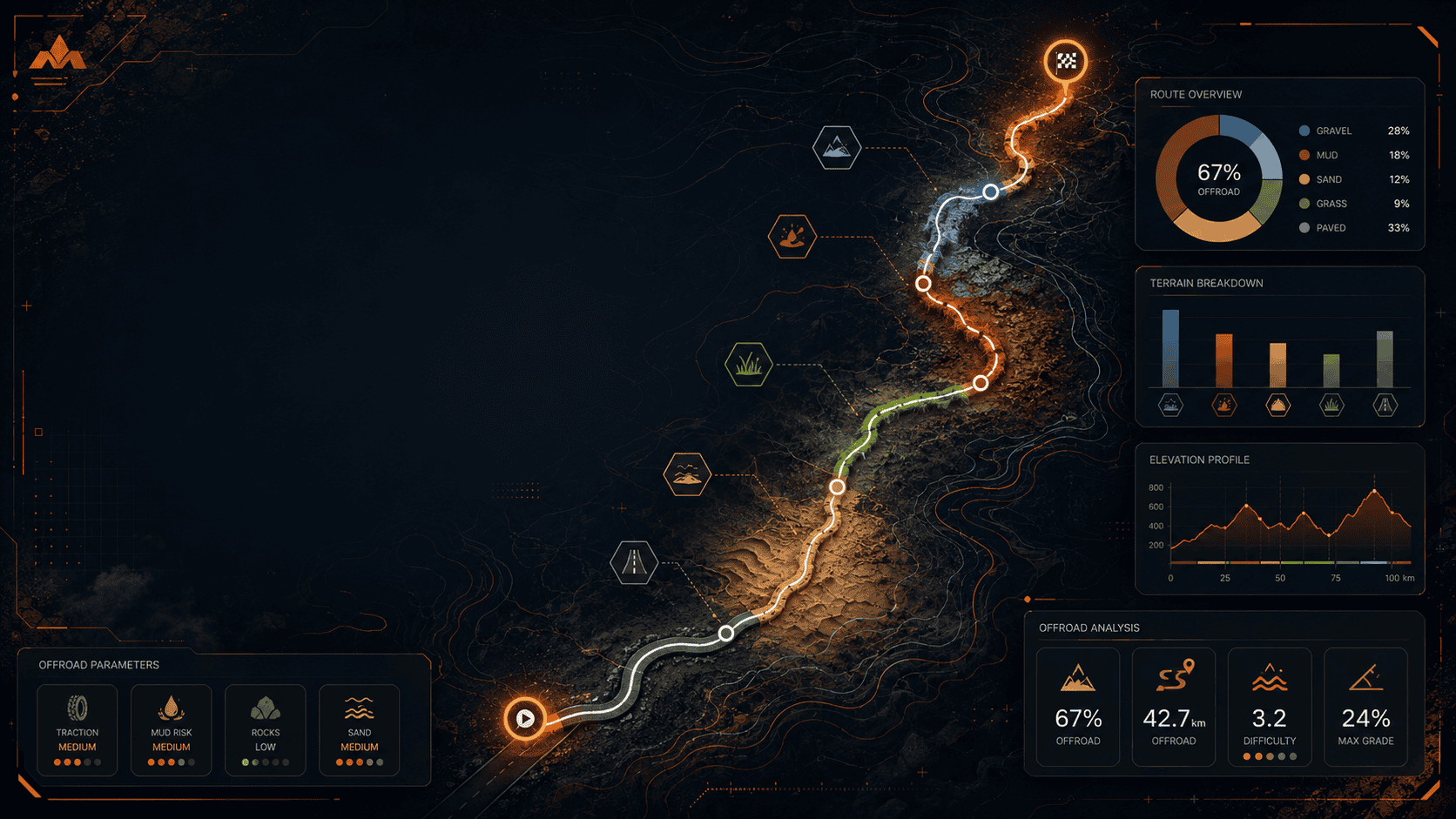
With the MM Offroad Checker, you can answer that question easily. How much offroad is there in section 2 of the TET Belgium, section 4 of the TET Netherlands or any other route? Upload your GPX file and instantly get a clear overview of the share of gravel, mud, sand, grass and paved road. You also see exactly where those sections are located on the route.
What can you use it for?
Better estimate what you are going to ride
The tool helps you quickly decide whether a route matches your motorcycle, tyres, experience and plans.
Does the route suit you?
See at a glance whether a route matches your bike, experience and comfort level.
Recognise unpaved sections
See in advance where gravel, sand, mud or grass appears in your route, so you can make a conscious choice.
Compare routes
Compare GPX routes by offroad percentage: from light allroad to more serious unpaved riding.
Avoid surprises
Avoid unexpectedly ending up on difficult, wet or unsuitable terrain.
Plan smarter
Decide in advance where you may need to adjust your speed, tyre choice or riding style.
Useful for TET routes
Ideal for TET sections and other routes where you want to know how much unpaved riding is included.
How does it work?
From GPX file to surface analysis
You upload a GPX file. The tool analyses the full route and links it to map data to determine which sections are paved and unpaved.
The route is then visually divided into segments, with colour codes for surfaces such as gravel, mud, sand, grass and asphalt.
You also get a percentage breakdown, so you can instantly see how much offroad the route contains. That makes it easier to decide in advance whether you want to ride the route as it is.
You can use the result to adjust your route, choose a different tyre profile or simply leave better prepared.
In three steps
Quick insight into your route
Upload your GPX
Choose the GPX file of your route, TET section or planned allroad ride.
View the analysis
The tool shows what percentage of your route is gravel, sand, mud, grass or paved road.
Check the map
See where the different surface types are located and decide whether the route suits you.
Who is it for?
For adventure, allroad and dual-sport riders
This tool is made for riders with an adventure, allroad or dual-sport motorcycle who want to know what to expect before they set off.
Whether you are looking for an accessible gravel ride or a route with as much unpaved riding as possible: you can immediately see whether a GPX route matches your goal.
- TET sections
- Allroad weekends
- Adventure routes
- Routes with unknown surfaces
Quick check
Know what you are getting into before you ride
A GPX route can look perfectly fine on the map, but still contain much more offroad riding than expected. With the MM Offroad Checker, you get a better idea of what you are about to ride before you leave.
Upload your GPX, check the surface types and leave better prepared.
Check your GPX route